Buy anything from 5,000+ international stores. One checkout price. No surprise fees. Join 2M+ shoppers on Desertcart.
Desertcart purchases this item on your behalf and handles shipping, customs, and support to British Virgin Islands.
๐ฅ๏ธ Elevate your workspace with clarity and comfort โ because your productivity deserves the best!
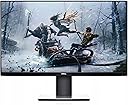
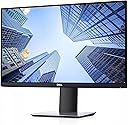
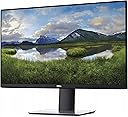
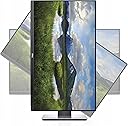
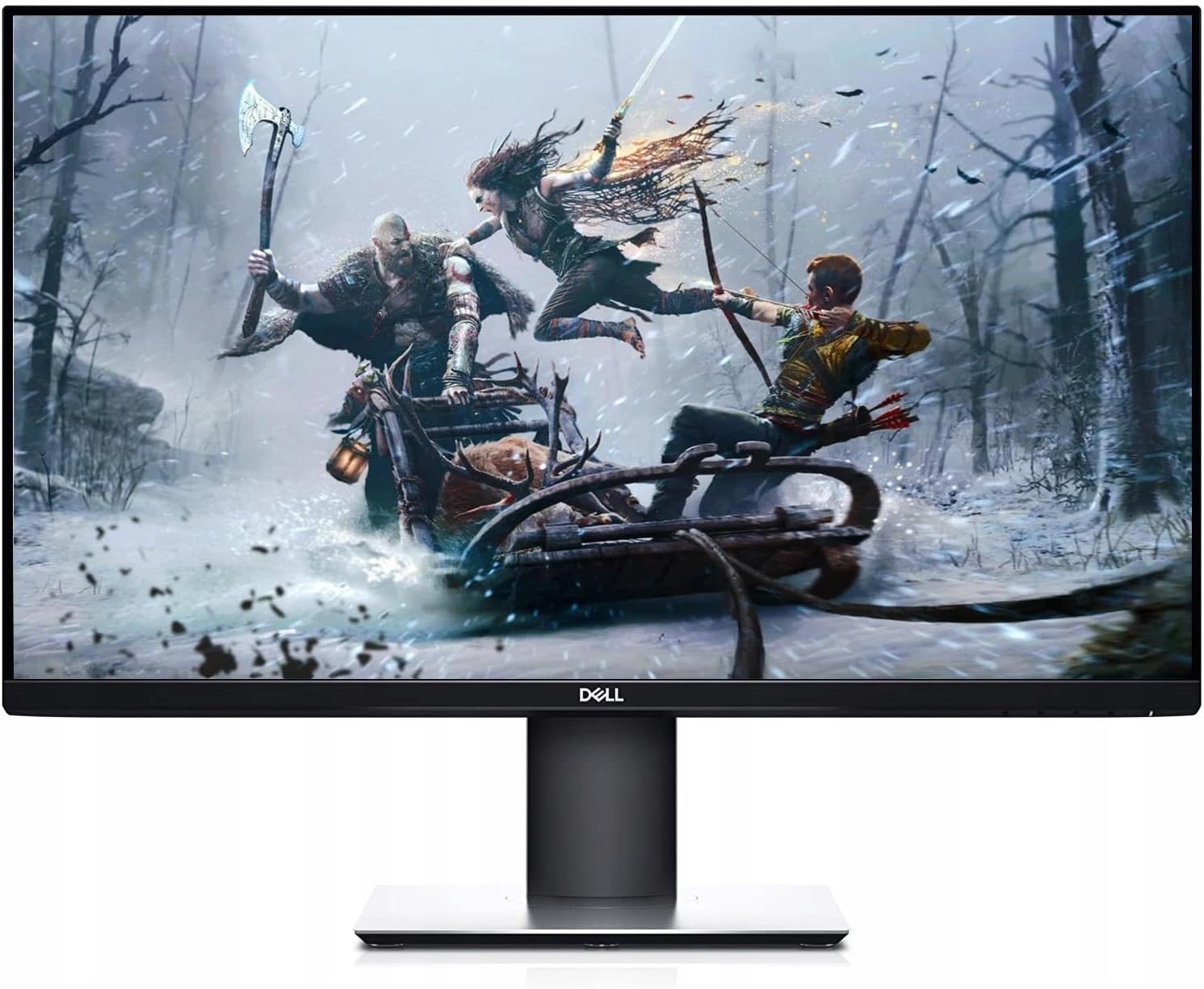
The Dell P2719H is a 27-inch Full HD (1920x1080) LED-lit monitor featuring a sleek ultrathin bezel design and a compact base that saves 23% desk space. It offers a 300 cd/mยฒ brightness level, TUV-certified flicker-free screen with ComfortView to reduce blue light emissions, and versatile ergonomic adjustments including pivot, tilt, swivel, and height. With a 60Hz refresh rate and seamless multi-monitor compatibility, itโs designed for professionals seeking a comfortable, efficient, and visually immersive workspace.


| ASIN | B07FKH79XM |
| Additional Features | Flicker-Free |
| Aspect Ratio | 16:9 |
| Best Sellers Rank | #75,215 in Electronics ( See Top 100 in Electronics ) #1,720 in Computer Monitors |
| Brand | Dell |
| Brightness | 300 cd/mยฒ |
| Built-In Media | Power Connector,HDMIPort,Stand Lock Feature,DisplayPort,VGAConnector,USBUpstreamPort,USBDownstream Ports,USBDownstream Ports,Power Cable, DisplayPort Cable,USB 3.0 Upstream Cable |
| Color | Black |
| Connectivity Technology | HDMI, VGA, usb |
| Contrast Ratio | 1000:1 |
| Customer Reviews | 4.6 out of 5 stars 1,051 Reviews |
| Display Resolution Maximum | 1920 x 1080 Pixels |
| Display Technology | LED |
| Display Type | LED |
| Global Trade Identification Number | 00884116305620 |
| Hardware Connectivity | DisplayPort, HDMI, USB, USB 3.0, VGA |
| Has Color Screen | Yes |
| Image Contrast Ratio | 1000:1 |
| Is Electric | Yes |
| Item Dimensions D x W x H | 7.28"D x 24.01"W x 20.64"H |
| Item Weight | 9.5 Pounds |
| Manufacturer | Dell Marketing USA, LP |
| Model Name | 45065893 |
| Model Number | P2719H |
| Mounting Type | VESA Compatibility - Mountable: 100 x 100mm |
| Native Resolution | 1920x1080 |
| Number of Component Outputs | 2 |
| Picture Quality Enhancement Technology | [INFERRED: Some picture quality enhancement technologies] |
| Pixel Pitch | 0.311 |
| Refresh Rate | 60 Hz |
| Resolution | FHD 1080p |
| Response Time | 5 Milliseconds |
| Screen Finish | Anti-glare, Hard coating (3H) |
| Screen Size | 27 Inches |
| Screen Surface Description | Anti-glare, Hard coating (3H) |
| Shape | rectangular prism |
| Specific Uses For Product | business, personal |
| Total Number of HDMI Ports | 1 |
| Total Usb Ports | 5 |
| UPC | 884116305620 |
| Viewing Angle | 178 Degrees |
| Warranty Description | 3 Year Advanced Exchange Service & Limited Hardware Warranty |
| Warranty Type | 3 Years Limited Manufacturer Warranty |
M**S
Great monitor, would recommend
Got this a couple weeks ago, and it's been just what I wanted. It's bright, clear, and the response time is definitely good enough for the level of gaming I do (I'm not a pro by any stretch). Overall, I would definitely buy this again. I didn't see this in any reviews or anything, and it doesn't matter for me in my use-case, but it does have vertical, rather than horizontal polarization. I discovered that by accident. Normally in my experience, you can see monitors if you're wearing polarized sunglasses, but if you tilt your head, they go black because the polarization then combines to block your view. On this monitor, the polarization is aligned by default so that you can only see if you tilt your head, if you're wearing sunglasses. That would only be important in a very few applications, and if you have no idea what I'm talking about, don't worry about it because it doesn't apply to you.
S**G
Excellent value. Adjustable height, tilt, orientation.
Shopping for this monitor my criteria were: 27 inch screen, sits low (close to the desk surface) and decent text. I got all three. The stand is adjustable in height. I have it all the way down, putting the bottom of the screen about 2.4 inches above the desk surface. If you donโt wear bifocal or trifocal glasses you might wonder why I want it low. This way I donโt have to tip my head back much. The screen can be raised to put the bottom 7.6 inches above the desk surface. The screen can also be rotated 90 degrees to give a portrait display. This is probably for programmers who have more than one screen, and want to see lots of lines of code at once. I suppose there are other uses. I wonโt be using it in the portrait position. All stand adjustments (height, rotation, and tilt) are easy and solid. The whole product is solidly built in every way. I have one gripe. There is only one 8 ยฝ by 11 sheet of paper for documentation, and it is all pictures, no words. The User Guide is on the internet but apparently Amazon does not want me to give you the link. How hard would it be for them to tell me that? It actually took me a while to find it. So after I had it all set up I looked at the user guide. It says I was supposed to power down the computer and unplug it before hooking up the monitor. I didnโt do any of that and it worked fine. The screen looks good from viewing angles between -45 to +45 degrees. Beyond that it gets a bit dim. Putting it together with the one sheet of pictures was simple, fast, and easy. No tools required. There are five buttons on the bottom edge of the monitor, on the right side. The one on the far right (Iโll call it #5) is power. The one next (#4) to it brings up a little menu. Then, pressing #3 gives a menu. From there it is pretty intuitive so Iโll stop with the guided tour. I thought the settings were pretty good out of the box. I turned down the brightness a bit, turned up the sharpness a bit, checked out the color settings and left them on Standard, and fiddled with the left-right, up-down centering to be sure it was correct. I donโt play a lot of games and I donโt have sixteen other monitors to compare it with, so I canโt make some of the comments the other reviewers have made along those lines. It is not designed for games, does not have speakers, and is not touch screen. You know that from reading the product description.
R**I
Excellent monitor at a good price
With recent shift to telework, needed a large monitor for home to work with my MacBook Pro laptop. An excellent choice with good brightness and resolution. The height adjustment is nice and it does rotate for page view, though at 27 inches is of limited value to me. One note is that this does not come with an HDMI cable so consider ordering one if you don't already have an extra.
G**G
A fine monitor, a less fine warranty
The monitor itself has been fine. If you purchase this item from a third party seller on Amazon, Dell will likely not honor the warranty. Even if you look up its service tag on Dells own site and it shows a 3 year warranty with 2.5 years remaining. Basically if you don't provide the address Dell shipped the monitor to, or it wasn't shipped to an "authorized Dell reseller" then they deem it ineligible. I have never had this issue before, having handled dozens of Dell warranty replacements. We typically have 1-2% of our Dell monitors that need warranty work. So if you have an issue past the sellers return period, you're out of luck. The large seller I purchased from offered a whopping $20 partial refund for a $250 monitor that is unusable after 5 months.
J**S
Exactly what I needed at the price I wanted
This monitor did exactly what I needed. I needed a second monitor to view certain documents and applications in portrait mode and this monitor does exactly that. Pretty much every monitor does that actually but you have to find one that has a rotating stand, or, a monitor with VESA mount and you buy a separate stand. So, this is basically a $199 monitor with a rotating stand. Now, the issue I ran into and it took me a while to figure out my solution was getting my Nvidia GTX 1050 Ti to allow me to have 1 monitor running on the single HDMI port and 1 monitor running off the displayport port. You would think this was a no-brainer (and usually is) - just plug them in and off you go. However, mine wasn't working right off the bat. I was getting 'no signal' on the monitor from the displayport on the Nvidia card. Long story short, it turned out certain Nvidia cards (mine is one) needed a firmware update for the displayport to work properly. Once I installed the firmware update (the firmware update is completely separate from the Nvidia drivers package) everything worked like a champ. So, in summary, I give 4 stars to the monitor (nice picture, not totally washed out, sparce on features.) I give 5 stars for the value/cost of the monitor. I purchased at $199 which (from looking around) seemed a good $50-80 cheaper than most vendors who are selling the same Dell Professional line ("P" monitor) of monitors. I don't know if this is a good gaming monitor by today's standards so if you're looking for that then I suggest moving your monitor budget up around $400. If you need a solid productivity monitor for work/office/etc - this monitor is perfect.
A**T
Great Purchase
Works perfectly and hard to tell itโs not brand new. I would buy from them again. Also, it arrived sooner than the predicted arrival date.
S**T
Looks Great, Small Footprint
I needed a second monitor for working from home. This one sounded good and I like Dell. It's a little bigger than I had before so that's nice. It's very clear as well. I love the thin boarders as well. Power switch is on the bottom right edge which is easy to get to. It is easy to adjust. Up and down, left right and tilt. The stand base is flat and not that large. You can put things on it on the front under the monitor if you so desire. Nice upgrade for me.
1**S
Dell monitors are great
This is our 10th monitor, and after buying many other monitors, the only monitor that comes close to this in our past 20 years in business is Sony. LG, Acer, Samsung, HP, and that other company (I forgot the name but they're famous) all skimp somewhere. Stick with Dell. Not the cheapest, but you'll be satisfied. If you turn it on and it works every time, there are no issues. That's a good monitor. If you turn it on and you have to adjust something, and it's not the graphics card, then that's not a good monitor. That's my metric for a good monitor. Sorry if this isn't as detailed, but I'm just a regular Joe, and I just need a good monitor.
Trustpilot
2 weeks ago
1 month ago