🎉 Elevate Your Color Game with Precision!
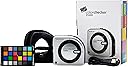
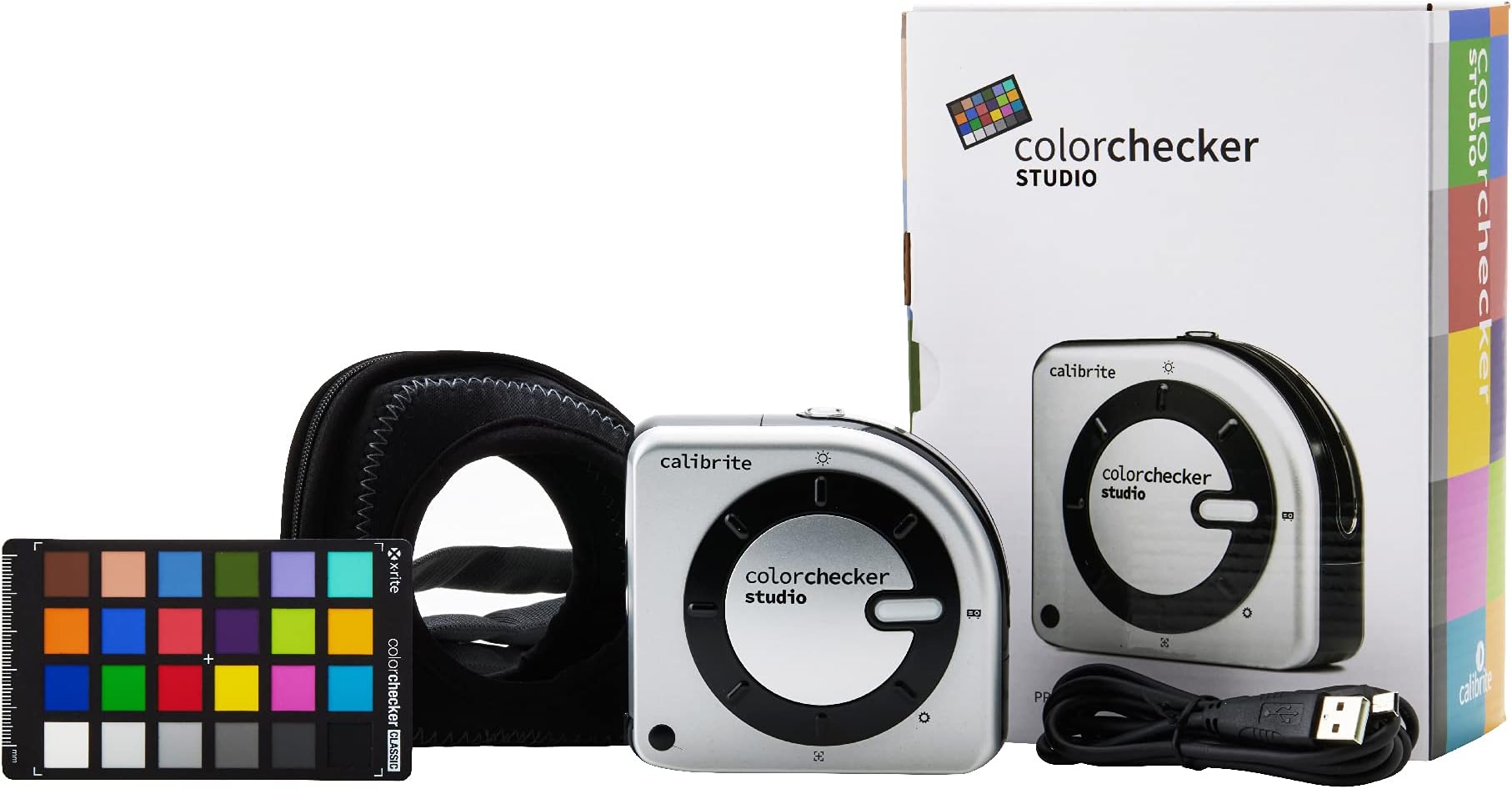
The Calibrite ColorChecker Studio (CCSTUDIO) is a cutting-edge color calibration tool designed for professionals seeking maximum accuracy in their displays. With intelligent iterative profiling, ambient light measurement, and seamless compatibility with laptops, this device ensures your colors are always true to life. Compact and user-friendly, it's the perfect companion for anyone serious about color fidelity.


| Asin | B0973JVF85 |
| Batteries Included | No |
| Batteries Required | No |
| Brand | Calibrite |
| Compatible Devices | Laptops |
| Connector Type | USB |
| Country Of Origin | China |
| Customer Reviews | 4.0 4.0 out of 5 stars (77) 4.0 out of 5 stars |
| Date First Available | 26 July 2021 |
| Display Type | LCD or LED or OLED |
| Hardware Interface | USB |
| Has Audio Recording Capabilities | No |
| Has Auto Focus | No |
| Ink Colour | Cyan, Magenta, Yellow, Black |
| Item Dimensions Lxwxh | 12.7 x 10.2 x 5.1 Centimeters |
| Item Model Number | CCSTUDIO |
| Item Weight | 410 g |
| Manufacturer | Calibrite |
| Max Input Sheet Capacity | 2 |
| Max Print Resolution Colour | 300 dpi |
| Max Print Resolution Monochrome | 300 dpi |
| Memory Storage Capacity | 64 MB |
| Model | CCSTUDIO |
| Model Name | CCSTUDIO |
| Mounting Hardware | Spectrophotometer, Case/Monitor Profiling Attachment, USB Cable, Target |
| Number Of Items | 1 |
| Printer Media Size Maximum | A0 or SRA3 |
| Printer Output Type | Colour |
| Printing Media Type | Glossy photo paper |
| Printing Technology | Inkjet |
| Processor Count | 2 |
| Product Dimensions | 12.7 x 10.16 x 5.08 cm; 411.07 g |
| Resolution | 1024 x 768 |
| Special Features | Portable |
| Supports Dual Sided Printing | No |
| Total Usb Ports | 1 |
User
Sonde semi pro
Bon rapport qualité prix, fonctionne tès bien sauf pour les couleurs très saturées
User
Calibrite Color Easy
Excellent received the item was able to calibrate my monitor and printer out of the box. Getting great print results now. Thank you!!
User
Druckerkalibrierung
Kalibrierung von Epson EP-8550 funktioniert aufwandfrei.
User
頼りになる校正機器
一度使ってみました。ウィザードの言うとおりにしてたら、ディスプレイが自然な発色に校正されました。分光光度計で高いですが、正規品輸入でよきです。
User
Indispensable
J'ai acheté une imprimante Canon Pixma Pro 200, et j'utilise le célèbre papier hahnemühle.Excellente imprimante, excellent papier, mais les profils ICC intégrés à l'imprimante ou téléchargeables correspondants ne reproduisent pas fidèlement les couleurs de mes illustrations.Sur la photo avant/après l'utilisation du CC studio; l'illustration du haut a les couleurs brûlées, et rend trop jaune. Après l'utilisation du CC, les couleurs sont naturelles et fidèles à ce que j'ai dessiné.J'avais très peur d'acheter un outil de calibration à ce prix là, et que ça ne fonctionne pas. Etant amatrice, je n'étais vraiment pas sûre d'arriver à comprendre comment le paramétrer, et du coup du résultat final.Le CC est en fait très très facile d'utilisation. Dans le logiciel, vous imprimez votre charte sur le papier que vous choisissez, par le biais de votre interface d'imprimante, -sans gestion des couleurs-, vous faites ensuite glisser l'outil le long de la charte.Vous répétez l'opération une deuxième fois. Et voila !J'hésitais avec le SpyderX, mais je suis vraiment satisfaite de cet achat. Evidemment, un coût moins élevé aurait été encore mieux, mais je recommande le CC studio pour tous ceux qui veulent imprimer de manière qualitative.
Trustpilot
4 days ago
1 month ago