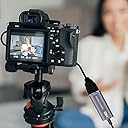
🎥 Capture Every Moment Like a Pro — No FOMO, Just Flow!
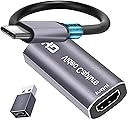
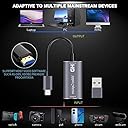
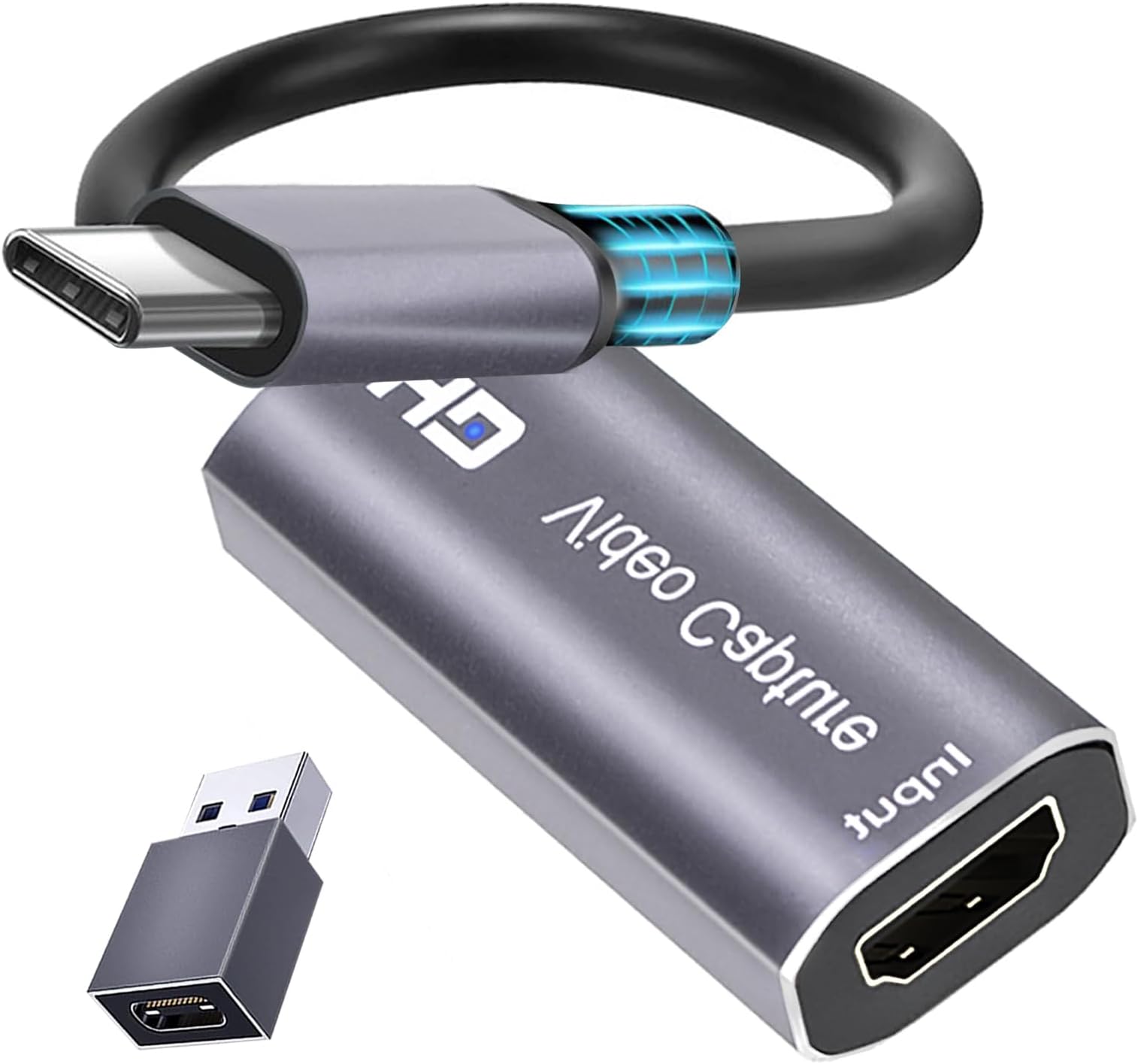
The Extenuating Threads KY-07A 4K HDMI Capture Card delivers ultra-high-definition 4K 60fps video capture with dual USB-C and USB 3.0 connectivity. Compatible across Windows, MacOS, and Android, it offers plug-and-play ease with real-time preview and lag-free streaming, making it ideal for gamers, streamers, and professionals seeking seamless HDMI video recording and sharing.


| ASIN | B0C2HG93TG |
| AV Output | YUV |
| Antenna Location | Video Recording |
| Best Sellers Rank | #197 in Internal TV Tuner & Video Capture Cards |
| Brand | Extenuating Threads |
| Built-In Media | Capture Card |
| Compatible Devices | Gaming Console, Personal Computer |
| Customer Reviews | 4.3 4.3 out of 5 stars (364) |
| Hardware Interface | HDMI, USB 3.0, USB Type C |
| Item Type Name | Type C capture card |
| Item Weight | 0.03 Kilograms |
| Manufacturer | Extenuating Threads |
| Minimum System Requirements | Operating System: Windows 7 or later, Mac OS, or Android. Compatible USB-C, HDMI, and USB 3.0 ports required. |
| Model Name | KY-07A |
| Model Number | KY-07A |
| Operating System | Android, Mac OS, Windows 10, Windows 11, Windows 7 |
| Other Special Features of the Product | 4K HDMI Video Capture and Recording, Flexible Connections |
| Platform | Linux, PlayStation, Windows |
| Video Capture Resolution | 1080p |
| Warranty Description | 60days |
J**S
Amazing!!!
Update: it does work! I plug this thing into my Samsung Galaxy tablet S9 and then The HDMI cable from my mini PC goes into the other end of this video capture card. That means my tablet is now the monitor for my mini PC. Yesss!!! Now I don't have to drag that portable monitor all over the world. What a relief!!! Whew. Orig: Ihis does not work. Mini PC, HDMI out connected. Other end connected to phones and tablets to test. Running USB camera standard app on Android. No image. Seems a fail.
M**H
Streaming Device
I was Looking for something that would allow me to hook my streaming device to the PC in the other room so I could watch NetFlix or other services I had my RoKu hooked to my monitors HDMI port which worked well but changing inputs was kind of a pain (in the You know where) because it would change my PCs resolution resizing and moving all my windows when I changed the input back to PC this works much better because I can just open streaming box in a Window Other things to Know: it doesn't come with Software... (but windows already has the Drivers) I tried a few things VLC worked okay but it wouldn't really go full screen 16:9 it only want to run it in old school 4:3 TV mode I also tried to open it in a browser tab (which was a little over my head) same problem... 4:3 TV Ratio I'm sure you can probably run it in Any software that will open a webcam you just have Select the source as... "USB Video" TLDR: in the end, I just used MPC-BE which I've been using for Years... (Media Player Classic Black Edition) Download from MajorGeeks in Options: select the Play Back Capture Device as "USB Video" Works Perfectly Exactly what I Wanted
W**L
Value for money
The product works now after getting a new unit. I have not run into the problem of it breaking down so maybe I just got unlucky with a lemon. I use it with my steam deck and laptop and use the iPad as a second monitor. It's a lot smaller than some of the other ones and the picture quality is pretty good to my eyes. I do notice a little bit of slower or delay when using it but other than that I think it's a perfectly fine device and for the price it's a lot better than some of the other one.
R**N
Use usb to connect.
Great to capture video games on IPad.
A**A
Works very well with M1 Mac
Using this on an M1 based MacBook. The device is plug and play, no drivers to install. Shows up in the hardware info app as USB 3. After a continuous run of over an hour, it was mildly warm. Using OBS Studio, it was trivial to add the HDMI video as USB source and the HDMI audio as USB audio source. Video/audio appear well synchronized. OBS using hardware encoding built into the M1 cpu creates a file of approx 650MB per hour. Tried various apps (Netflix, NBC, Prime, etc), had no trouble so far.
K**B
Stopped working the day after the return window closed
Worked great for 1 month and then stopped for no reason. Tried plugging it into other computers with no success. It seems like others have the same problem so I would look elsewhere and avoid this piece of hardware.
M**C
Excellent HDMI capture card for my iPad
This device takes any 4K HDMI output and saves it to my iPad. Content creators who use iPads to edit will find this device very useful. It has a high-quality feel and is very fast in transferring data. I give this my highest recommendation.
H**U
It works, it does the job, but the specs are incorrect/misleading
The good news about this product: * It's easy to use. It's plug-and-play, you can use any sort of app that captures from a webcam (it registers as one). So hooking it up to OBS is ezpz. * There's very little lag. It's kinda there if you focus on it, but it's probably 1 frame late. * It's cheap, so if you need an HDMI capture device, this works well for that. Now for the bad * The device is USB 2.0, not USB 3.0 as the product literature claims. You can verify this yourself using a tool called "USB Device Tree Viewer." So unless I somehow got a bum unit, the product literature is lying about that. In addition, the USB-C to USB-A converter you get is also USB 2.0, despite the Type-A side looking like a USB 3.0 port (I tried plugging it in with various known USB 3.0 devices and it all registered as USB 2.0) * The output of this device is capped at 1080p30, and there's no software to configure it. Would I return this device knowing the limitations of it? Not really. The price point is fine and I originally bought it to turn my iPad into an external monitor. Since it's still 1080p30, it's good enough if I need to tinker with something and don't have a display on hand to do it with.
M**N
Produto muito bom. Satisfeito com a compra. Cumpre o que promete.
H**I
IT WILL WORK ON PC WITH OBS AND IT WILL WORK ON MOBILES USING USB.C AND nExt camera application on mobile the attached video has been recorded on. Mobile using the application and it was directly run via hdmi from PS4
G**R
good for price
C**R
Bought to use with “Orion” app to connect my iPad Pro M4 as an external display to an older windows computer. It is literally plug and play, works first time, picture quality is perfect and there is no lag at all. The build quality of the device is great with a metal body to control heat and ensure durability although I did not observe any elevated heat at all during use.
E**N
My son used this to run a dvd player through his phone. That was pretty cool. He uses it for something more reasonable on his computer and says it works well on whatever that thing is.
Trustpilot
Hace 1 mes
Hace 2 semanas